
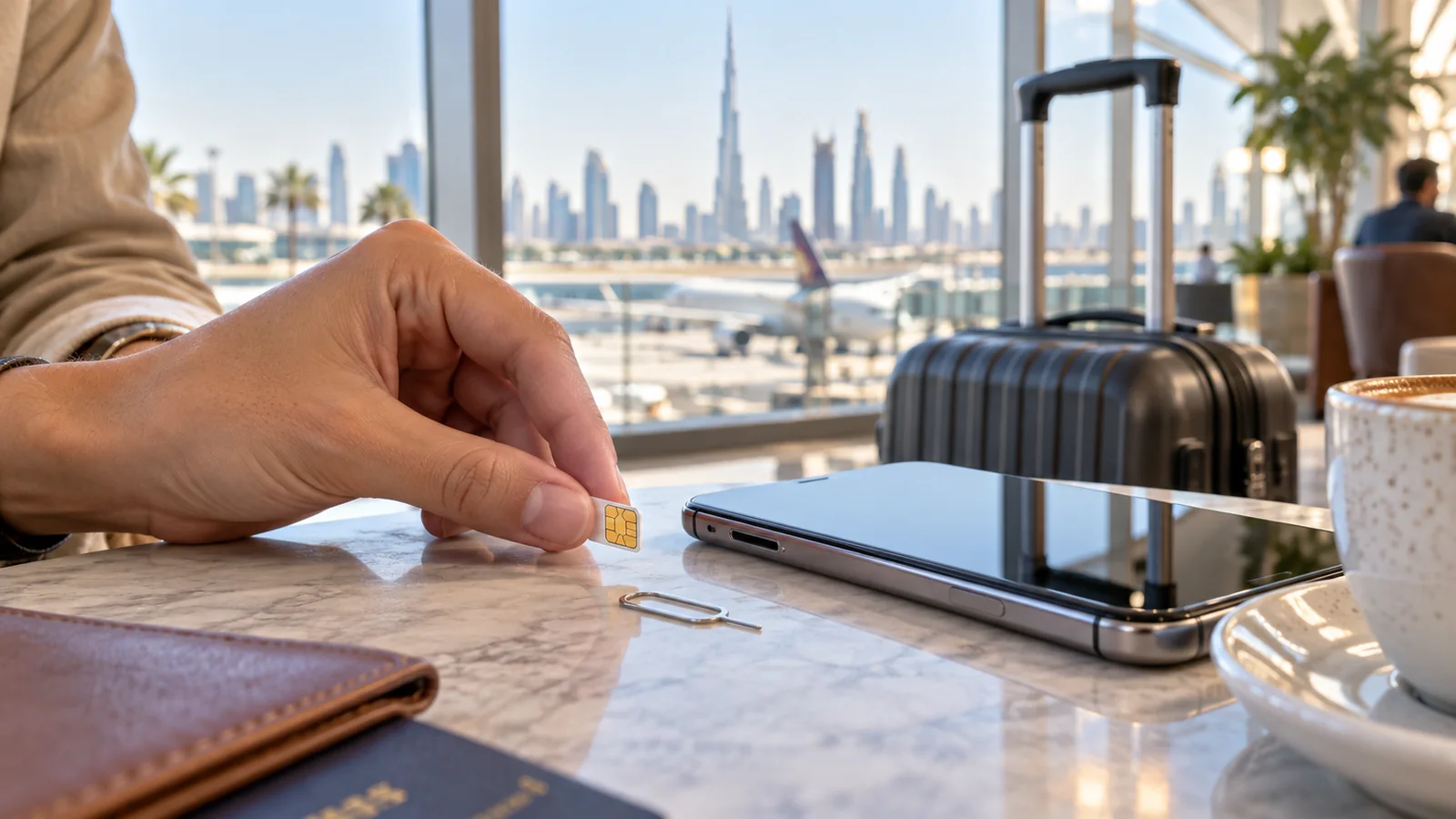
A Dubai tourist SIM or eSIM gives visitors a local mobile-data connection for maps, bookings and messages. Start by checking whether the phone is unlocked and supports the kind of SIM being purchased. Then compare the plan’s data allowance with the length of the stay.
A free arrival SIM, a paid visitor bundle and international roaming are different products. The word “free” does not mean unlimited service for the whole holiday.
Where can a tourist get connected?
Dubai Airports lists du tourist SIM access at DXB. Du’s support information also points visitors to retail stores, including airport locations. Check the offer and eligibility at the counter rather than relying on a data allowance from an older article.
For the latest bundles, follow the official du tourist-plan page. Other UAE operators also have visitor options; compare their current products directly before choosing.
Physical SIM or eSIM?
| Option | Useful when | Check first |
|---|---|---|
| Physical SIM | The phone has a suitable SIM slot | Network unlock and whether the home SIM must be removed |
| eSIM | The phone supports a digital SIM | Device compatibility and installation instructions |
| Home-network roaming | An existing plan covers the trip | Dubai coverage, data limit and extra charges |
A dual-SIM phone can be convenient, but set the data line carefully. Keeping the home number active for texts does not mean its mobile data should also be used abroad.
What should visitors bring?
Take the passport, phone and a payment method when visiting a provider. Follow the operator’s identity and activation requirements for the chosen product. Ask whether entry details or another document are needed before completing an online order.
For an eSIM, make sure the phone has an internet connection for setup and that installation details can be accessed. Do not remove an existing eSIM to make room without understanding how it can be restored.
How much data is enough?
Base the choice on normal use. Messaging and maps need a different budget from frequent video calls, streaming or sharing a laptop connection. Look at the phone’s recent data-use screen to see which apps consume most.
- Match validity to the trip length.
- Check whether hotspot use is allowed.
- Read any speed or fair-use limits.
- Check local and international call inclusions separately.
- Find out how to top up before the first allowance runs out.
Compare the full cost, not only the starting price. A short promotional bundle may need an extra purchase halfway through a longer stay.
Test the SIM before leaving
After activation, turn off Wi-Fi briefly and open a webpage or map. This checks the mobile connection itself. On a dual-SIM phone, confirm that the Dubai line is selected for data.
If the connection fails, ask the provider to check activation and settings while still at the counter. Avoid guessing APN settings from an unrelated network.
What if it stops working later?
Check the data allowance, validity and selected data line. Try airplane mode once, then reconnect. If there is still no service, contact the operator with the error or activation message.
Do not assume every internet calling app has the same availability in the UAE. If calling is important, ask the provider about supported services before buying.
With data working, save the journey to the hotel. Our DIP Metro guide is useful for visitors staying in that part of Dubai. Share this SIM checklist with a first-time traveller.



3 thoughts on “How to Choose a Dubai SIM Card for Tourists”