Introduction
Nol card history is useful when you want to review travel charges, top-ups or another card transaction. It helps you compare the card’s record with the journey you remember. A balance check only tells you the remaining amount; it does not explain every deduction that led to that figure.
Begin with your own card and the official RTA account or nol service. RTA’s personal-card information states that you can view one month of transaction history. Save the relevant records promptly if you need them for an expense claim or to query a fare, rather than assuming an old trip will remain available indefinitely.
Find your card in the official account
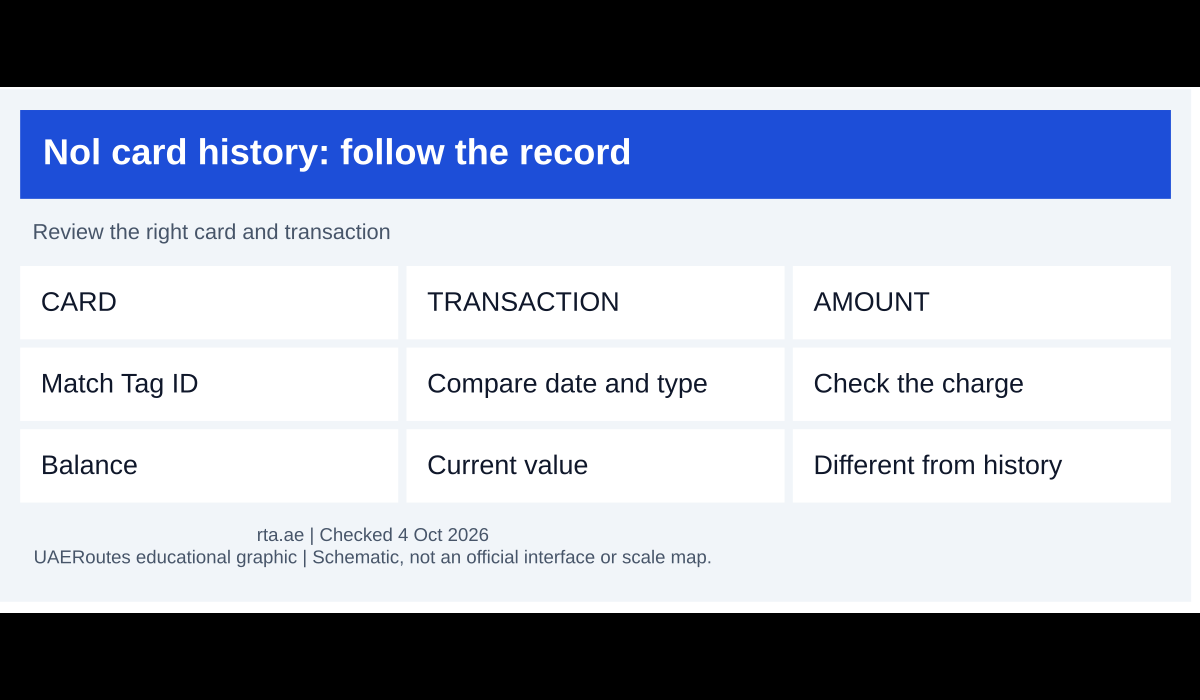
Open the nol services through RTA’s official website or its supported app. Sign in to your own account and identify the card you want to review. If you hold more than one card, compare the Tag ID so you do not investigate a trip charged to a different card.
Use the transaction-history option available for that card and channel. The service’s current labels can change, so look for the card record and history rather than following a screenshot from an older app version. If the account asks you to link the card, follow the official ownership and verification process.
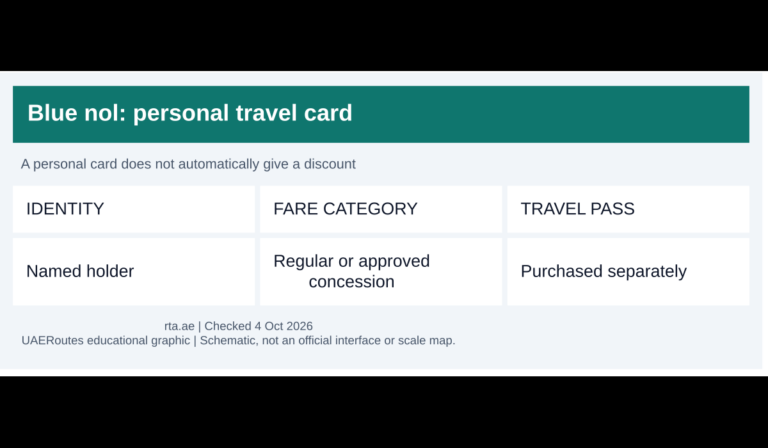
A Blue personal card and a registered Silver or Gold card have different identity and management arrangements from an anonymous card. Do not assume every channel gives the same account access for every product. If your card or history is not shown, check the card status and supported service before concluding the travel record has disappeared.
Read the date, type and amount together
Select the time period that includes the trip or payment you want to inspect. Look at the transaction type, date, time and amount that the service displays. A top-up, a travel deduction and a retail purchase mean different things even when they appear close together in the record.
| Entry you are reviewing | Useful comparison |
|---|---|
| Travel charge | Your stations, route, time and expected fare band |
| Top-up | Payment receipt and whether the load was completed |
| Other nol purchase | The place, amount and receipt for that purchase |
| Pass-related transaction | Purchased product, validity and covered services |
For example, a balance falling by AED 20 does not prove one metro ride cost AED 20. It could reflect another purchase, several trips or a record you have not yet matched. Review the individual entries before raising a complaint about a single journey.
Check a fare that seems wrong
Compare the actual journey with the Dubai metro zone bands and your card’s travel class. Also check whether a concession or travel pass was active at that time. A price difference can come from the journey conditions, rather than from a mistake in the history display.
If a nol travel pass is involved, compare the transaction with its selected zones, validity and permitted services. An active product does not mean every payment made with the card is included. A separate retail or intercity transaction can still deduct stored value.
Note the boarding and alighting details while they are easy to remember. If the record suggests a missing check-out or another overcharge issue, use RTA’s official overcharge refund service to check eligibility. The history entry is evidence for that query, not a promise that a refund will be approved.
Keep a useful record without exposing the whole account
Save the relevant receipt or history view where the service permits it. Include the date and amount in your expense notes, and keep the card identifier consistent so later journeys can be compared. A short note written on the day is easier to use than trying to reconstruct a month’s travel from memory.
When sending an expense record to an employer or another person, include only what that task needs. Crop unrelated purchases and personal account details from a screenshot. RTA warns that the card PIN should remain confidential; an ordinary fare query should not require sharing it with someone outside the official process.
If you are moving a balance to another card, keep the relevant record before starting. The nol balance transfer guide explains the supported refund route and source-card blocking. A transfer or replacement can make it useful to distinguish the old card’s transactions from those made on the new one.
Final thoughts
Use transaction history to match a specific entry with a real journey, top-up or purchase. Check the card, period and amount together, then keep the evidence for any official query. Reviewing the record promptly is more useful than relying on the current balance alone.
Featured graphic: original UAERoutes diagram. Service information checked 4 October 2026 against the provider’s published information.